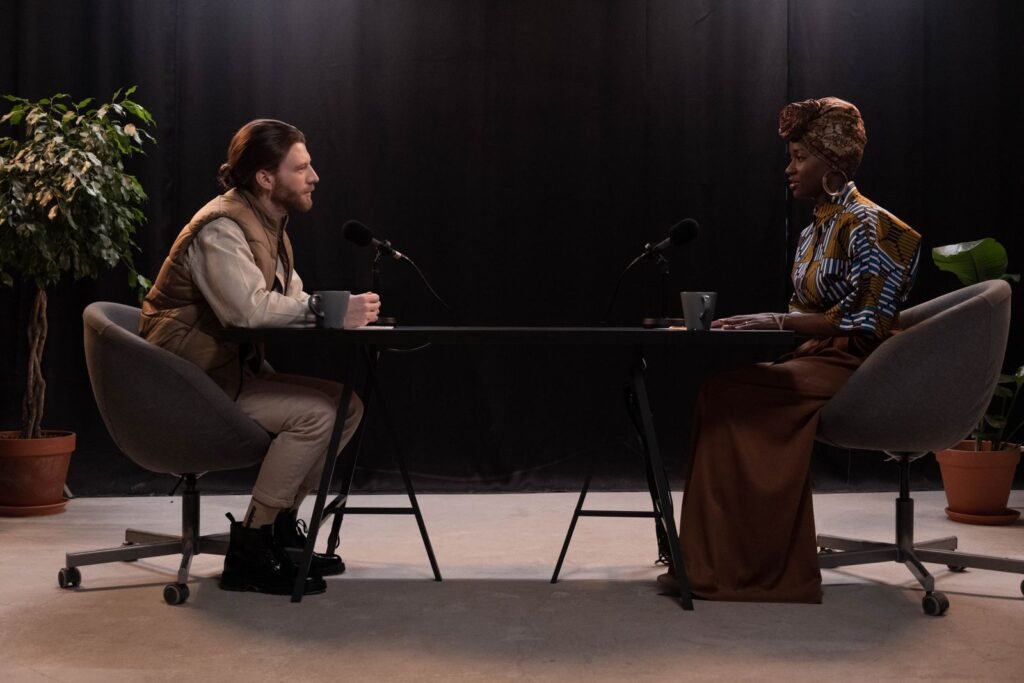
Teachers, tutors, coaches and trainers record hours of valuable explanation every week, then upload it once and move on. Those recordings are some of the best raw material for short clips: they are full of clear answers, examples and tips. This guide shows you how to repurpose a webinar into short clips, or an online class, lecture or training session, and use them to attract new students.
Why class recordings make great Shorts
- They answer real questions. Students ask what other students search for.
- They show your teaching style. A 40-second explanation is a free demo of your course.
- You already have them. No extra filming, scripts or lighting.
What to clip from a class
- One-concept explanations. “What is compound interest?” or “The difference between past perfect and past simple” explained in under a minute.
- Student questions and your answers. Start the clip with the question on screen as the hook.
- Common mistakes. “Most students get this wrong” is a reliable opening.
- Exam tips and shortcuts. Especially popular before board exams, entry tests and CSS season.
- Short success stories from former students, with their permission.
Handling slides and screen shares
Webinars often show a slide or screen share with a small camera box in the corner. Cropping the middle of that frame to vertical cuts off the slide and loses the speaker. Better options:
- Whole frame on a blurred background: the full slide stays visible in the middle of the vertical screen. Best for diagrams and code.
- Follow the speaker: when the slide is not important, keep the teacher’s face in frame.
- Wide framing: a 4:5 window keeps more of the scene than a tight vertical crop.
AI Short Clipper offers all three through its Framing option, and Auto chooses based on the shot. Read more in our guide to converting horizontal video to vertical.

Captions for learners
Students often watch clips on mute during commutes or in shared spaces, so captions matter even more for educational content. Keep technical terms spelled correctly, and consider captions in the language your students read best. For Urdu-medium audiences, Urdu script or Roman Urdu; for mixed audiences, an English translation can widen your reach. Our guide on Roman Urdu vs Urdu script captions helps you choose.
A weekly workflow
| Day | Task | Time |
|---|---|---|
| After each class | Upload the recording to your clipping tool | 2 minutes |
| Once a week | Review the suggested clips and pick the best five | 20 minutes |
| Once a week | Fix captions, add a hook line, download | 20 minutes |
| Daily | Post one clip with a link to your course or contact | 5 minutes |
That is under an hour a week for a daily posting schedule.
Turning viewers into students
- End clips with a clear next step, such as “Full lesson linked” or “Join the next batch, link in bio”.
- Use a consistent hook format, like “Exam tip #12”, so viewers recognise and follow the series.
- Pin a comment with your course link or WhatsApp number where the platform allows it.
- Reply to questions in comments with new clips. It shows you listen and gives you endless topics.
Privacy and permission
Before clipping a live class, make sure students are comfortable appearing in public videos. Crop out student cameras and names in chat, or ask for permission. For minors, avoid showing them at all.
Frequently asked questions
How long should an educational Short be?
Usually 30 to 90 seconds: long enough to explain one concept fully. See our guide to the best length for Shorts, Reels and TikTok.
Can I clip Zoom or Google Meet recordings?
Yes. Download the recording file and upload it. Screen-share layouts work best with whole-frame framing.
Should I post clips on YouTube, Instagram or TikTok?
All three if you can. Many creators post the same clip everywhere and see which platform brings the most enquiries.
The short version
Your class and webinar recordings are full of short, useful explanations. Clip one-concept answers, student questions and exam tips, keep slides readable with whole-frame or wide framing, caption everything, and end each clip with a clear next step. Try AI Short Clipper free on your next recorded class.

Written by AI Short Clipper Team
Part of the AI Short Clipper team, helping creators turn long videos into short clips.